Staff & Trainers
Manage your facility's staff and trainers and assign them to courses and appointments.
Overview
Under Staff & Trainers you maintain your team and assign it to courses and appointments.
In the Staff & Trainers area you manage everyone who works at your facility — from the permanent trainer to the counter helper. Per person you store:
- Contact details and an email invitation to their own access.
- Qualifications and licences, such as coaching certificates.
- Availabilities, from which scheduling is derived.
- Roles and permissions controlling access to bookings, finances or communication.
Trainers can be assigned to courses, appointments and locations; in case of absence you can enter a substitute. This makes it clear at all times who is on duty where and when, and your guests see the responsible trainer directly at the appointment. The deployment data also forms the basis for settling fees and trainer rates in the finance area.
Permission management ensures that each person sees only what they need for their task: a counter helper can check in bookings without access to financial data, while management sees the full dashboard. You invite new staff by email; they set up their own password and then appear immediately in the scheduling. This way your team grows along without you having to distribute credentials manually.
When someone leaves, you revoke access with a single click without losing historical deployment and settlement data.
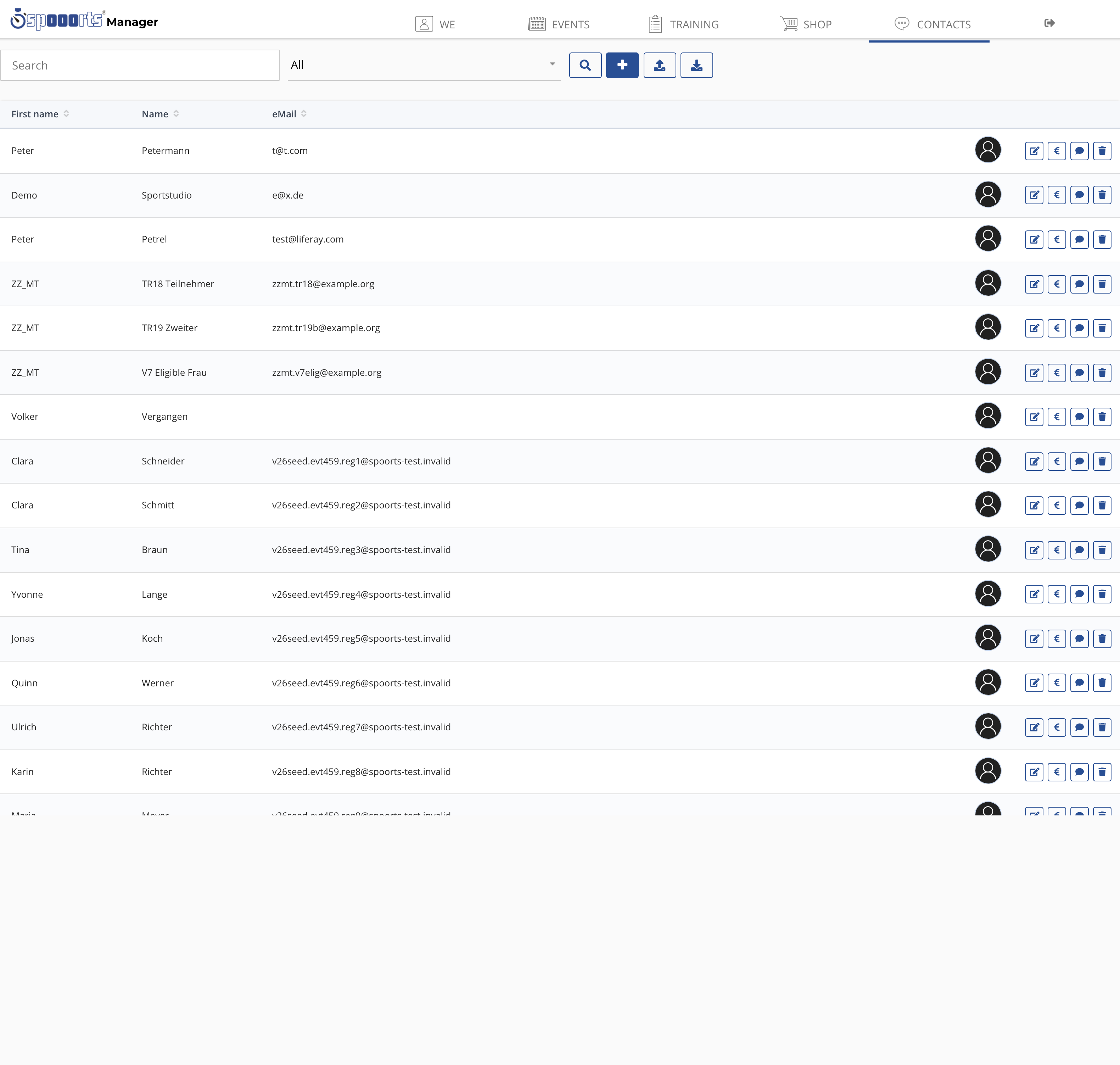
Staff & trainers
Menu path: Training → Trainers and Availability. Invite trainers/staff by e-mail, store qualifications and availability; per trainer you assign dates and substitutes.