Prices & Tariffs
Define time-based tariffs per court — peak and off-peak by weekday and time, season windows, separate member and guest prices, and units per slot, hour, day or weekend.
Overview
Using slot prices you define time-based tariffs. Each tariff applies to a time window (weekday mask plus from/to time — this is how you model peak and off-peak) and optionally to a season window. You set separate member and guest prices and choose the unit: per slot, hour, day or weekend. A tariff can be marked as redeemable with a pass.
The time-dependent rates make fair, transparent pricing possible without you having to price each slot individually. Typical are cheaper off-peak times in the morning and higher prices at the sought-after peak time in the evening, plus separate member and guest prices as an incentive for a membership.
Via season windows you adapt prices to summer and winter operation, for example for indoor versus outdoor courts. A rate can also be marked as redeemable by pass, so that holders of a ten-session card or a subscription complete their booking without paying again. This way you steer utilisation and revenue in a targeted manner while staying transparent for the guest, because the booking grid always shows the specifically applicable price.
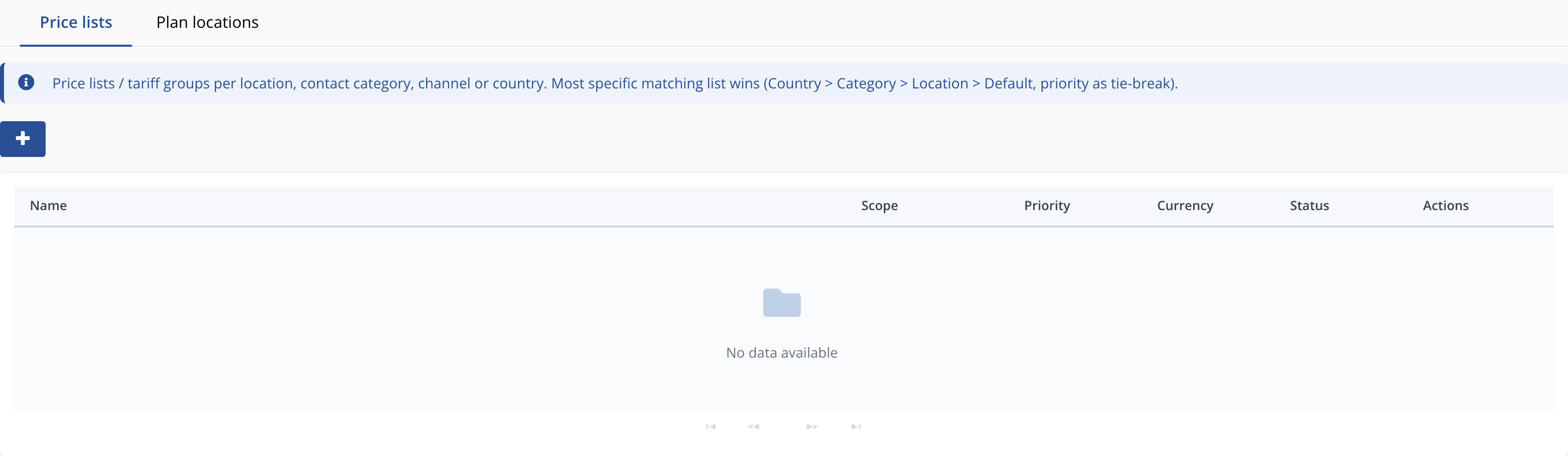
Maintain prices & rates
Menu path: We → Locations → Slots → price windows per resource. Per booking rule you set a member and guest price per unit; additional price lists are maintained under Shop → Price lists.
Price on the reservation
The calculated price is attached to the reservation and flows into the checkout — so a court booking is directly payable.