Payment & Checkout
Court bookings are directly payable — by card, pass credit, on account, or free of charge. Every paid booking creates a sales receipt.
Overview
At checkout of a reservation, several payment methods are available: card (Stripe, with authorization and confirmation), pass credit, invoice/on account, or free. Every paid booking creates a sales receipt (sale/line item of type Slot).
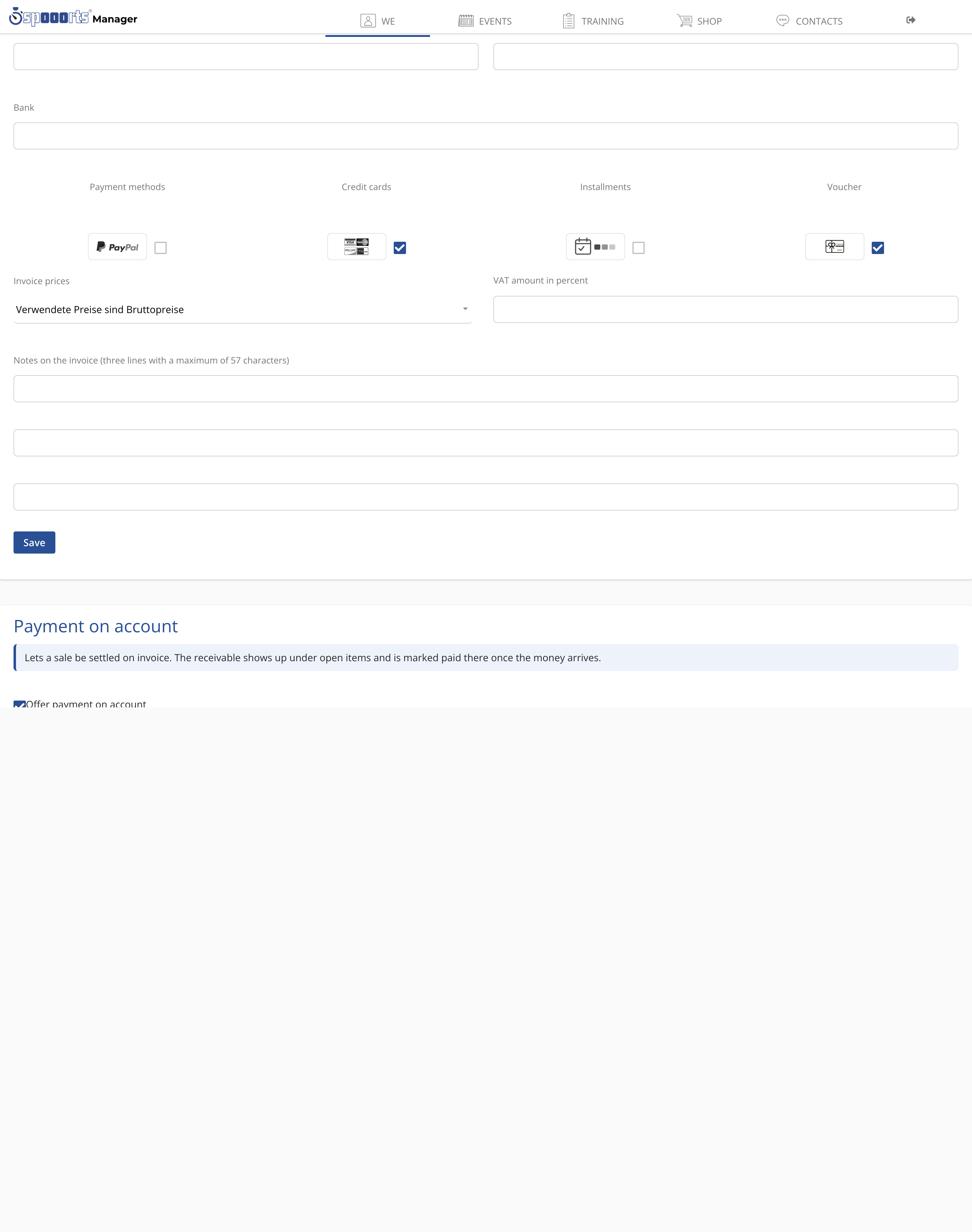
Which payment methods are available depends on your configuration. The usual combination is:
- Card via the integrated payment provider, with pre-authorisation and automatic confirmation after successful payment,
- Pass credit, if the guest holds a ten-session card or a subscription,
- Invoice / on account for members or corporate customers,
- free of charge for internal or sponsored bookings.
Each paid booking automatically creates a sales receipt of type Slot, so your income is documented seamlessly and can later be evaluated for invoices and the bookkeeping export. On site you take payment via the point of sale — for example at the terminal — and send the receipt directly by email.
Because the price is already attached to the reservation, a court booking is immediately payable: the guest sees the amount due at checkout and completes the booking in one step. This reduces open receivables and the workload at the counter, especially in unstaffed operation.
Payment on site & online
Menu path: Shop → POS and Settings. Payment methods and payout are set up under Payment methods & payout; on site you take payment via the POS (terminals, receipt by mail). An account is required for checkout.