Calendar
The calendar is the central scheduling view — reservations, courses and events per court and location.
Overview
In the calendar you see and plan reservations, courses and events per court and location. Recurring appointments are modeled as a series.
The calendar is the central planning view of your facility. It bundles in one place what would otherwise be scattered across many lists and shows a day, week or month view depending on your selection. Using filters you narrow the display specifically:
- by location, if you operate several facilities,
- by court or resource, to look at a single court,
- by trainer or department for staff planning,
- by type of appointment (booking, course, event, blocked time).
You create new appointments directly in the calendar — with a click on the desired time slot — or via the respective course or booking page. Recurring appointments are represented as a series, so that you only have to create a weekly team training once, for example. The system automatically checks conflicts and buffer times before an appointment is confirmed.
Because bookings, courses and events come together in the same calendar, you see at a glance when which area is occupied and avoid double bookings. You also enter blocked times for maintenance or internal use here, so they cannot be booked by mistake.
Because the calendar works in real time, bookings received online from your guests appear immediately, and you can react at short notice without having to switch between different views. You move appointments by drag and drop, and changes automatically trigger the appropriate notifications to those affected.
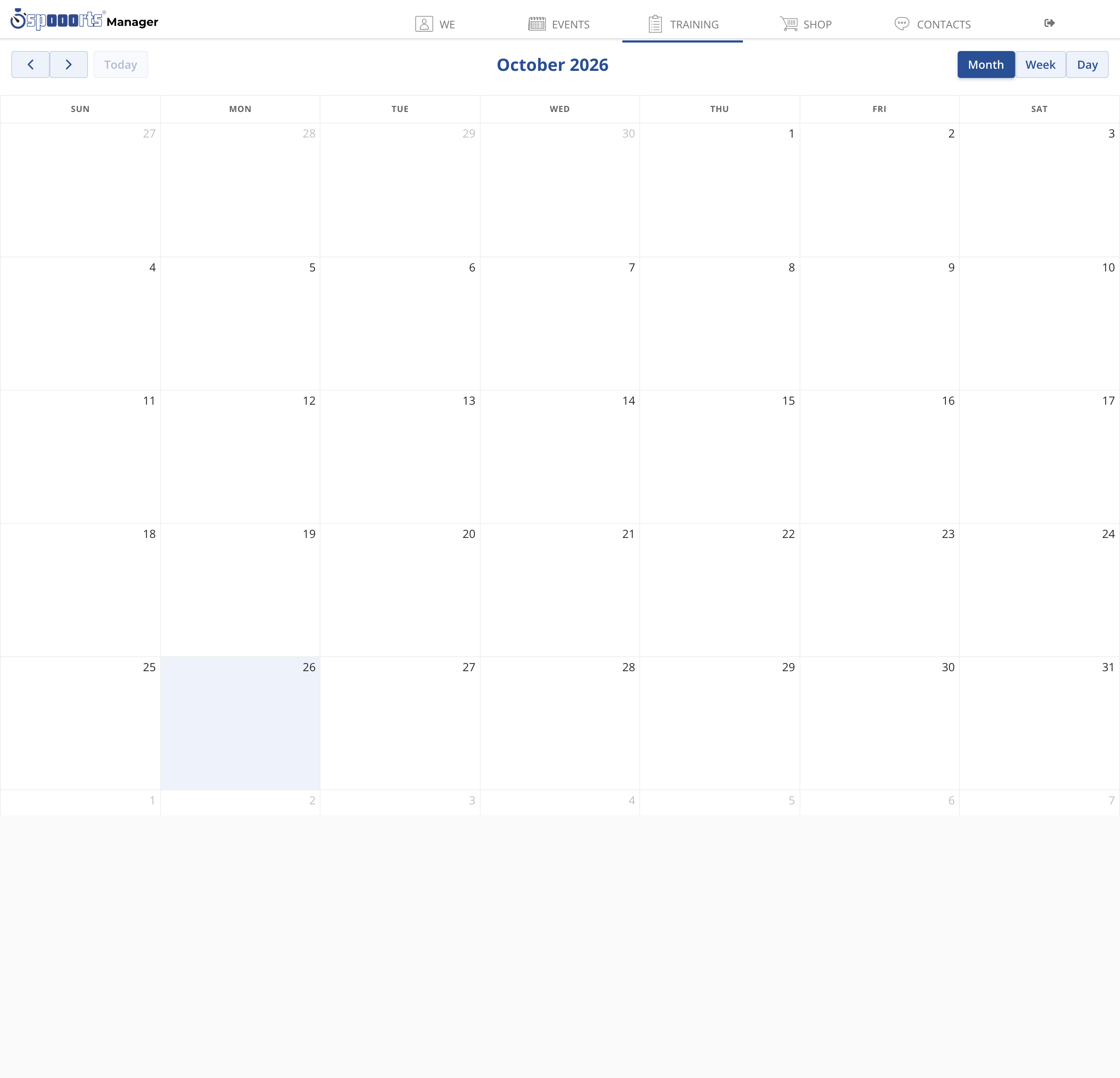
Calendar
Menu path: Training → Calendar. The calendar shows courses, trainings and bookings; filters narrow by location, trainer or section. New dates are created directly in the calendar or via the course.