Courts & Resources
Set up your courts, pitches and boxes as bookable resources — with category, location, buffers, approval requirement and multi-unit capacity (several identical courts).
Overview
A court, pitch or box is created as a bookable resource (asset). For each resource you set a category, location and optionally a section, mark it as bookable, and decide whether a booking requires approval.
Because each court is its own resource, you can represent very different facilities: a single court as well as a hall with several identical boxes. For each resource you individually decide whether a booking applies immediately or only after an approval by you — useful for example for courts with limited availability or special usage rules.
The assignment to category and location ensures that guests quickly find the right court in the booking grid and that evaluations per category can be created. You manage equipment and rental items in the equipment board as their own resources with stock, so you can rent out rackets or ball machines together with the court, for example.
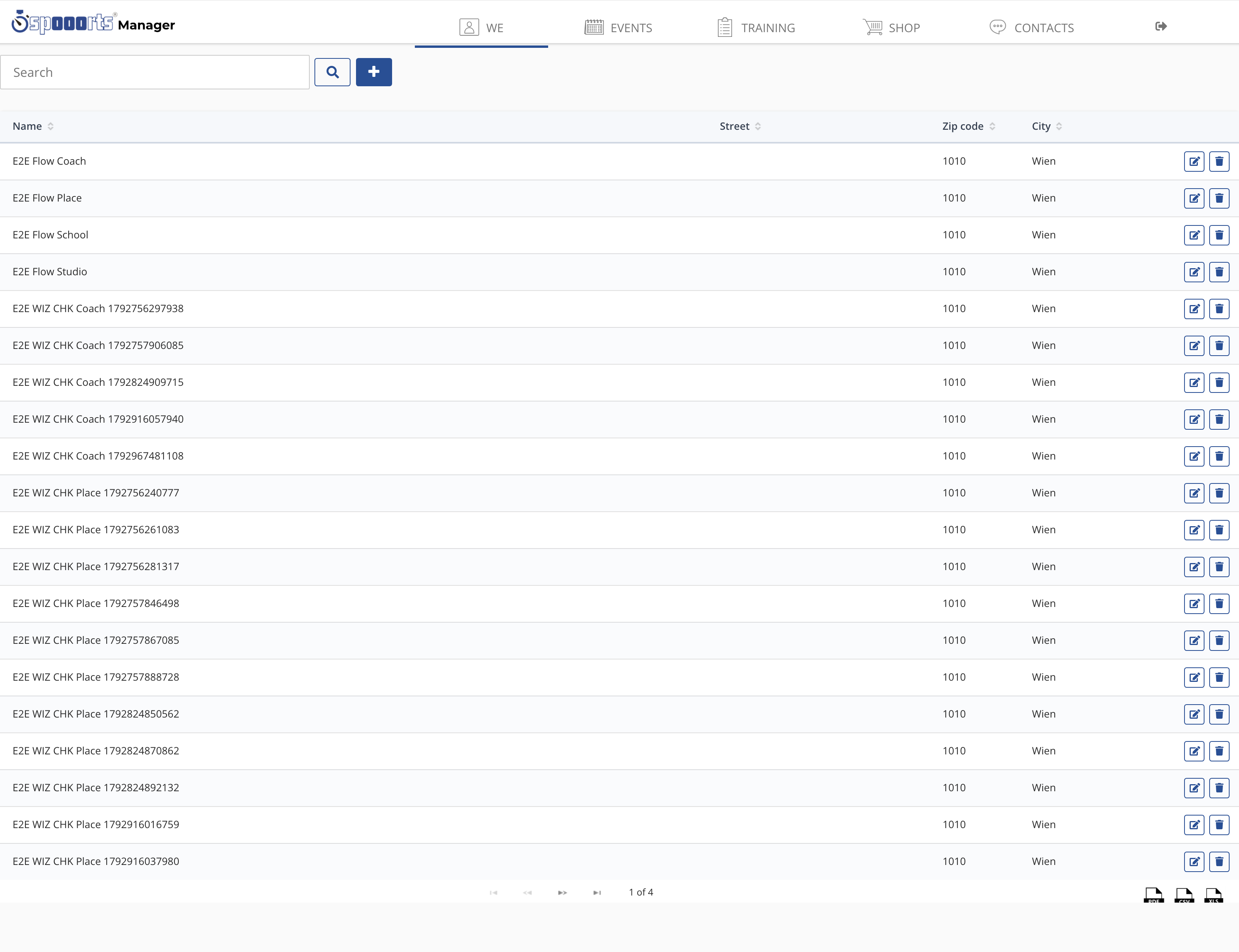
Courts & resources
Menu path: We → Locations → Slots (pick a resource) and Training → Equipment (inventory). Courts and equipment are bookable resources: per resource you create a slot rule with price and times.
In the equipment board you keep inventory and categories (e.g. courts, sets, rentals) with stock.
Buffers and multi-unit capacity
- Buffers before and after a booking (e.g. turnaround or cleaning time) — the system blocks the buffer time automatically.
- Multi-unit capacity (BULK): several identical courts as one resource with a quantity — matching bookings are accepted up to that capacity.
- Maximum uses per day per resource.